

By Jordan May, Director of SEO and AI Systems, May Media
Last updated September 15, 2026
You build a small business digital marketing plan with one person by picking one customer and one offer, fixing the website basics before you publish anything, choosing a single channel, and running a weekly routine short enough to survive a busy week. That is the whole plan. Everything below is how I would set it up if I were the only person doing the marketing, in the order I would do it.
I run marketing for small businesses at May Media, and this post is for the owner doing it alone, or with one person who also handles the books, the scheduling, and the front desk. The plan that works for that owner is not a smaller version of an agency plan. It is a different shape: fewer moving parts, a foundation that does not break, and a rhythm you can keep when the phone is ringing.
Who is the plan for, and what are you selling them?
Pick one customer
Start by writing down one type of customer, described by the problem they bring you rather than by a demographic label. “Homeowners” is too broad to write a page for. “A homeowner whose water heater quit and needs someone out today” gives you a page, a Google Business Profile category, and an email subject line. If you serve several kinds of customers, pick the one that pays best and comes back, and build the plan around them first.
The fastest way to find this customer is to read your recent inquiries. Look at what people asked, the words they used, and which ones turned into good jobs. That language goes straight into your service page and your topic list later, so keep it in a note.
Pick one offer
Now write the offer in one paragraph: what the problem is, what you do about it, what it includes, and how someone starts. If pricing varies, say that a conversation sets the scope; if you have a starting price, put it on the page. Then decide the one action you want a visitor to take: call, fill out a form, or book. A page that asks for all three at once splits the visitor’s attention.
What do you fix before you publish anything?
Marketing sends people somewhere. If that somewhere is broken, every post you write is wasted, so the foundation comes before the first piece of content. Here is the foundation checklist I would run first.
Claim and fill out your Google Business Profile
Your Google Business Profile is the listing that shows in the map results when someone searches your service plus your city. Claim it, pick the primary category that matches your one offer, and add your hours, phone, service area, and photos of your own work. Then start asking every customer for an honest review, because that profile and its reviews are where local buyers decide who to call.
Make the main service page answer the question
Take the one offer and give it one page. The page should answer the customer’s question in the first few sentences, explain what is included, show a few photos or a short video of the work, and end with the one action. Google’s own SEO starter guide says the same thing in more words: write for the person searching, make the page easy to understand, and make sure Google can reach it.
Test the contact form on your phone
Fill out your own contact form from your phone. Check that it submits, that the thank-you message makes sense, and that the notification lands in an inbox someone checks. Tap the phone number to confirm it dials. Repeat this once a month, because a plugin update can break a form without any warning.
Set up Search Console and GA4
Search Console shows you which searches your site appears for and which pages get clicked. GA4 shows what visitors do once they arrive. Both are free, and you will need both later to know whether the plan is working. We pull both into our clients’ reporting dashboards automatically; for one person, logging in once a month is enough.
Which channel should one person pick, and why?
Pick one primary channel and let the others sit at accurate and quiet. The right one depends on how your customer looks for help, not on which platform is trending this year.
Match the channel to how your customer searches
- Search (your website and Google Business Profile): the right pick when people look for the service at the moment they need it: plumbers, lawyers, clinics, accountants, repair shops. The foundation above is most of the work, and it keeps paying after you stop posting. It is also the work our SEO services take over when a business is ready to hand it off.
- Short-form video: the right pick when the work is visual or the buyer needs to trust you before they call: contractors, fitness, food, anything with a before and after. One vertical video a week, filmed on your phone, cut in the app.
- Email: the right pick when you already have a list of past customers who buy again: retail, salons, service plans, memberships. Once the list exists, it costs very little to run.
Keep the rest on maintenance
Keeping your hours, phone, and services correct everywhere is maintenance. Launching a new content series on a second platform is expansion. Do not add a second channel until the first one has produced a customer you can point to and the weekly routine feels easy.
Where do the topics come from?
Start with the questions customers already ask you
Open the note from your inquiries and write down every question a customer has asked you more than once. How much does it cost? How long does it take? Do you handle this? What happens if that goes wrong? Each one is a topic. Then type your service into Google and read the People also ask box and the AI Overview when they show, and add a few of those questions too. If neither shows, the suggestions that drop down as you type work the same way.
Keep the list short and in one place
Keep the list in a spreadsheet or a monday.com board, with a column for the question, the format, the status, and the date it published. I would start with a handful of topics rather than a year-long calendar you will abandon by spring.
Each topic becomes one answer: a service page section, a blog post, or a video. Then the same answer gets cut down for a social post or an email, so one week’s work feeds every channel you keep.
How do you follow up without a sales team?
Set up one email tool and two flows
Every inquiry should get something back without you typing it. Set up an email tool (we use Klaviyo, and its visual flow builder needs no code) with two flows: a reply to a new inquiry that says what happens next, and a check-in to past customers a few weeks after the job. Write both once. If you want a head start, have Claude draft them from your service page and then edit them into your own words.
Track every inquiry to an outcome
Track each inquiry in the same spreadsheet or board you use for topics: name, date, where they came from, and a status such as new, replied, booked, or closed. The where-they-came-from column is the one that tells you whether the channel you picked is working. Collect only what you need to do the job; our first-party data guide covers how to collect and store that data properly.
What does a week look like for one person?
Here is the routine I would hand a solo owner. It fits around the business rather than on top of it.
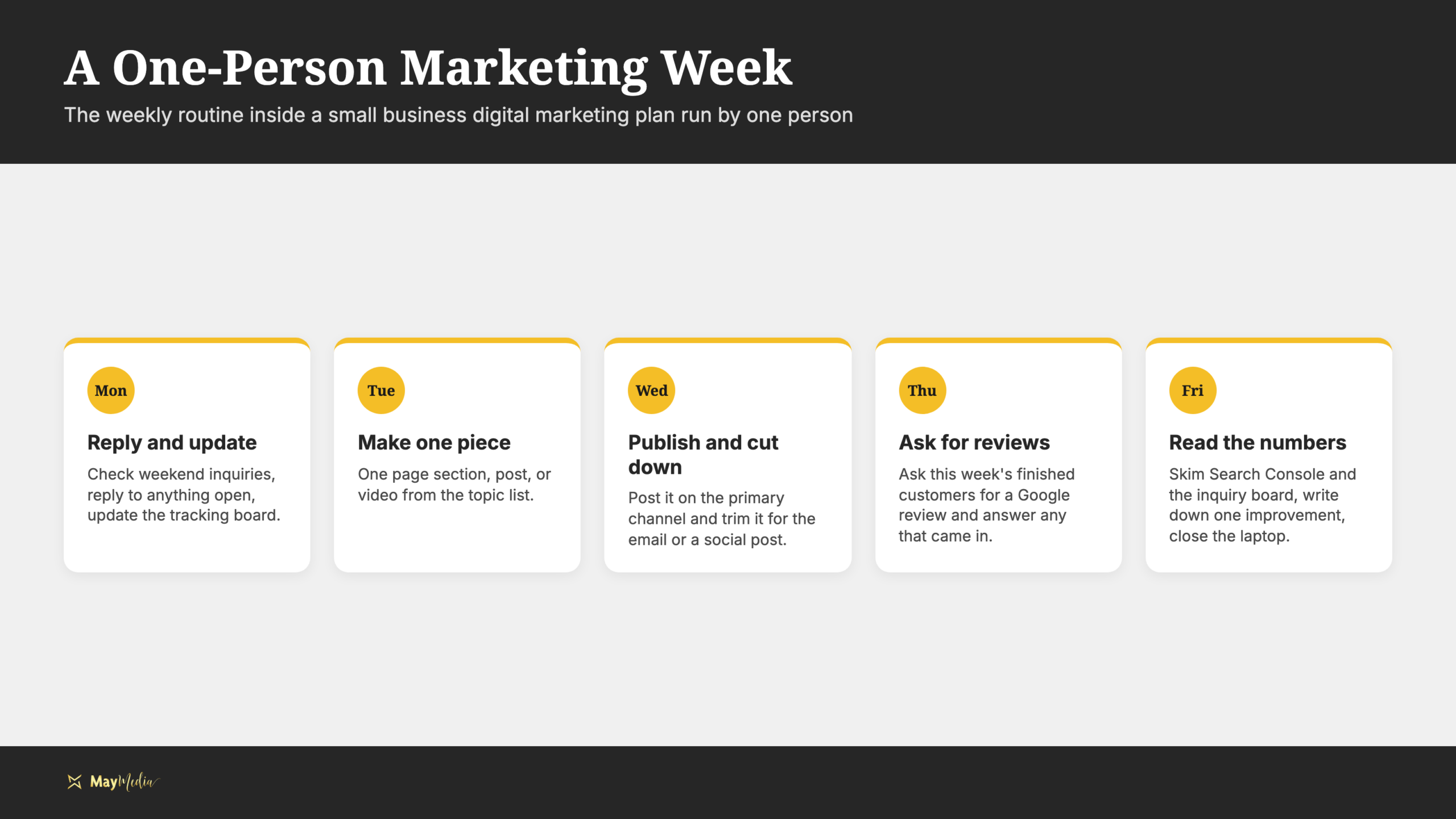
- Monday: Check inquiries from the weekend, reply to anything open, and update the tracking board.
- Tuesday: Make the one piece of content for the week from the topic list: a page section, a post, or a video.
- Wednesday: Publish it on the primary channel and cut it down for the email or a social post.
- Thursday: Ask the customers you finished with this week for a Google review, and answer any reviews that came in.
- Friday: Skim Search Console and the inquiry board, write down one thing to improve next week, and close the laptop.
Publishing is the least important day. If the week goes sideways, protect Monday and Thursday: replying to people and collecting reviews are the two habits that bring in work whether or not anything gets posted. A missed Tuesday costs you a post. A missed Monday costs you a customer.
What tools does one person actually need?
Here is the stack I would set up for a one-person business. On a standard website builder, none of it needs a developer.
- Google Business Profile: your listing in the map results and the home of your reviews.
- Google Search Console: which searches your site shows up for, and which pages get clicked.
- GA4: what visitors do once they land, and which pages send them to the contact form.
- Canva: graphics, thumbnails, and simple video edits in your brand colors.
- An email tool: Klaviyo, or the one your website builder includes, for the two flows above.
- A spreadsheet or a monday.com board: the topic list and the inquiry tracker in one place.
- Claude: first drafts of pages, emails, and video outlines from your notes, which you then edit into your own voice.
That last one deserves a word. Claude is good at turning your rough notes and customer questions into a first draft, and bad at knowing your business. Feed it your service page, your inquiry note, and a couple of emails you wrote yourself so it picks up how you talk, then edit every draft before it goes out. Check every price, claim, and detail yourself before it goes out.
What do you measure each month?
Once a month, open Search Console, GA4, and the inquiry board, and answer these questions:
- Visibility: Which searches is the site showing up for, and did the main service page gain or lose impressions?
- Traffic: Which pages did visitors land on, and which ones led to the contact page?
- Inquiries: How many came in, where did they come from, and how many turned into jobs?
- Reviews: How many new reviews came in, and did you answer all of them?
- One change: What is the single improvement for next month, and why?
Keep the numbers separate. An impression is not a click, a click is not an inquiry, and an inquiry is not a job. The plan is working when the last column moves, not the first. If you would like a second set of eyes on your numbers, schedule a discovery call and bring your Search Console screen.
What goes on the one-page plan?
Write the plan on one page and keep it where you will see it. Fill in each line and you are done.
- Customer: the one person and the problem they bring you
- Offer: what you do about it, what it includes, and how they start
- Action: the one thing you want a visitor to do (call, form, or booking)
- Foundation: Google Business Profile claimed, main service page rewritten, contact form tested, Search Console and GA4 connected
- Primary channel: search, short-form video, or email, and why
- Topics: the next handful of customer questions, in order
- Follow-up: the inquiry reply and the past-customer check-in, written and running
- Weekly routine: Monday through Friday, one task a day
- Monthly numbers: visibility, traffic, inquiries, reviews, and the one change
- Next review date: the day you will sit down with the numbers
Talk Through Your Plan With May Media
A small business digital marketing plan built by one person works because it is small. One customer, one offer, one channel, a short list of questions to answer, and a weekly routine that protects replies and reviews over publishing. Build the foundation first, and add a second channel only when the first one has paid for itself.
If you want help deciding what goes on your page, bring your current website and the questions your customers ask most, and we will work through it together on a call. And if you would rather learn to run the whole thing yourself, that is what we teach inside our May Media Stars membership.