

By Jordan May, Director of SEO and AI Systems, May Media
Last updated September 15, 2026
A first-party data strategy is a plan for the customer information you collect yourself, where you store it, and how you use it to market better. That’s the whole thing: collect, store, use. First-party data is what people give you directly on your website, on your email list, and at checkout, as opposed to data you rent from an ad platform or buy from a list broker.
Ad platforms track less than they used to, and the data you own is the one part of your marketing nobody else can switch off. If you have a contact form, an email tool, and a point-of-sale system, you already have it, probably in three places that never talk to each other. Here’s how we set this up, with the tools we use.
What counts as first-party data?
First-party data is anything a customer or visitor gives you directly, or does on something you own. It doesn’t need a special platform to collect; it needs a place to land and a reason to exist.
The four kinds worth collecting
- Contact details: Name, email, phone, and the service they asked about, from a form, a signup, or a sale.
- Purchase and inquiry history: What they bought or asked about, when, and how often.
- Website behavior: Which pages people read, what they clicked, and where they dropped off, tracked in your own analytics.
- Stated preferences: What they told you they want, whether that’s a topic they picked on a signup form or a link they clicked in an email.
Keep the first two kinds attached to a person, because you’ll use them to send email. Keep website behavior as aggregate numbers, because you use it to make decisions about pages, not about individuals. That split decides where each kind gets stored, which I’ll get to below.
What it isn’t
A list you bought, an audience an ad platform built for you, and follower data you can’t export are not yours. They can disappear when the vendor changes its rules. One rule on permission, stated once: collect it with the person knowing what they’ll get. A form that promises monthly tips and then sends daily promotions burns the list.
How do you collect first-party data on your website?
Your website is the front door, and most of the collecting happens through two things: forms and analytics.
Ask for only what you’ll use
Every form field should have a job. Email supports the reply, a service dropdown routes the inquiry to the right person, and a message box tells you what they need. If you can’t say what a field is for, cut it, because every extra field is one more reason to abandon the form.
Test the form from a phone and read the confirmation message. It should tell the person what happens next and when, and it should sound like a person wrote it.
Track behavior in GA4, and keep names out of it
GA4 is where website behavior lives. Set up events for the actions that matter: form submissions, clicks on the phone number, visits to the pricing or services page. That tells you which pages lead to inquiries.
One thing to check when you build the events: Google’s Analytics guidance on personal information says not to send names or email addresses into GA4, and a form can leak them into a confirmation URL without you noticing. Name the event after the action, not the submitted content, and look at what the URL carries after a test submission.
Give people a reason to hand over an email
A contact form catches people who are ready to talk. A signup catches everyone else, and it works when there’s something specific on the other side: a pricing guide, a checklist, a short email course, a quote. Say what they’ll get and how often, then deliver that.
How do you collect first-party data in email?
Email is where first-party data grows with every send, because each one is a chance to learn something. We use Klaviyo for this, and the same approach works in any email platform with tagging and flows.
Ask one question in the welcome flow
The welcome email lands while the person is still paying attention, so use it to ask one question. “What are you working on this quarter?” with three links, each one tagging the subscriber with an interest. You now know something about the person that no purchased list could tell you.
Let clicks tag interests
Set up a rule so that clicking a link about a topic adds a tag for that topic. Over a few sends, your list sorts itself into interest groups without anyone filling out a survey. That’s the segmentation you’ll use later, built from what people did instead of what you guessed.
Where should you store first-party data?
Pick a home for each kind of data based on what you’ll do with it next. Trying to force everything into one tool is how small businesses end up with a customer data platform they never open.
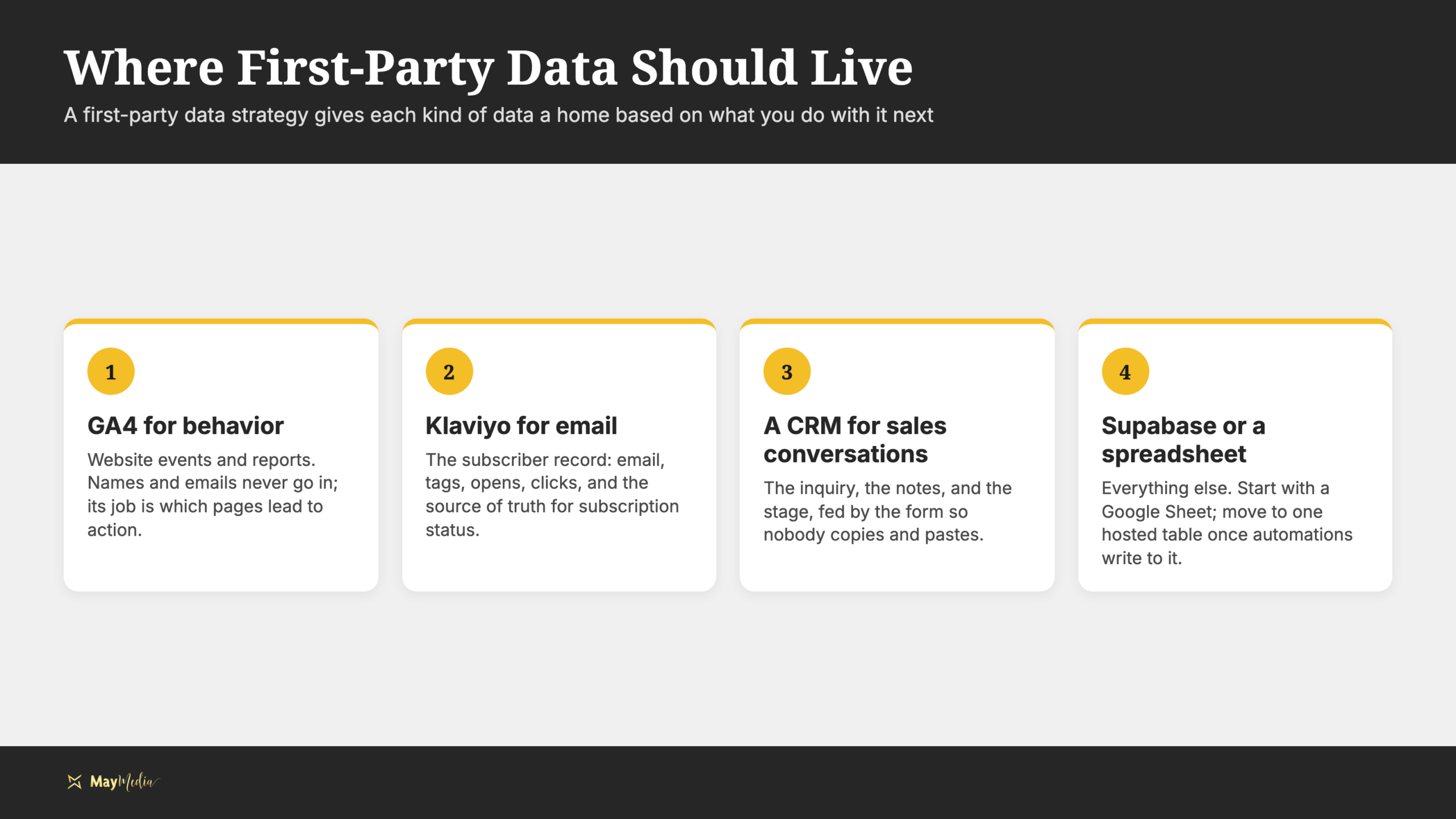
GA4 for behavior
Website behavior stays in GA4 as events and reports. Set it up so names and emails are never sent to it, because it doesn’t need them. Its job is to tell you which pages and campaigns lead to action.
Klaviyo for email
Klaviyo holds the subscriber record: email, tags, what they opened and clicked, and their subscription status. Make it the source of truth for whether someone is subscribed, so an unsubscribe there is the unsubscribe everywhere.
A CRM for sales conversations
If you have a sales process with more than one step, a CRM holds the inquiry, the notes, and the stage. A free tier of HubSpot is enough to start. Connect it to the form so every inquiry lands there without anyone copying and pasting.
Supabase or a spreadsheet for everything else
Start with a Google Sheet. It’s searchable, shareable, and good enough until you have automations writing into it. When you do, a hosted database such as Supabase gives you one table that forms, email, and reporting can all write to and read from.
Whichever tools you pick, write down which system owns which field. If “source” means the first visit in GA4 and the latest campaign in Klaviyo, your reports will disagree.
How do you use first-party data in email and ads?
Collecting and storing only pay off when the data changes what you send. Two uses are the place to start.
Email that matches the tag
Send each interest group the message that fits it. People tagged for website help get the website email; people tagged for video get the video email. The no-code path we teach is simple: Claude drafts the emails, and Klaviyo’s visual flow builder runs them. Our marketing automation services wire this up for clients, from the form to the flow.
Google Ads Customer Match
Google Ads Customer Match lets you upload your email list, and Google matches it against signed-in users so you can show ads to those people. Three ways to use it: re-engage past customers with a new offer, exclude current customers from an acquisition campaign so you stop paying to reach people who already bought, or add the list as an audience signal so a campaign learns what your best customers look like. Customer Match requires the account to meet Google’s eligibility rules, and the list has to be one people opted into, so check both before you upload.
Put the results in one place
The last step is seeing whether any of it worked. We pull GA4 and Search Console data into reporting dashboards for our clients so they don’t buy a separate reporting platform. A dashboard should show inquiries by source, email list growth, and campaign results on one screen.
How do you start a first-party data strategy?
Don’t buy anything yet. The first month is an inventory and a cleanup, and the first wins come from connecting what you already have.
- Week one: List every place customer data lands: forms, the email tool, the point-of-sale, any spreadsheet. Note which fields each one holds.
- Week two: Fix the contact form and the signup. Cut unused fields, rewrite the confirmation, and say what the signup delivers.
- Week three: Build the welcome flow with one question, and set up the click tags.
- Week four: Send your first segmented email, upload a Customer Match list, and put the numbers on a dashboard.
If you’d rather talk it through before you start, book a discovery call and we’ll map your forms, email, and reporting in one conversation.
Build Your First-Party Data Strategy With May Media
A first-party data strategy comes down to three decisions: what you collect, where it lives, and what you do with it. Get the form and the signup right, let clicks sort the list, store each kind of data in the tool built for it, and send email and ads based on what people told you. None of that needs a big budget; it needs the pieces connected.
We build these setups for small businesses, from the form to the flow to the dashboard. If yours is scattered across tools that don’t talk to each other, that’s the place to start.