

Website maintenance is the ongoing work of keeping a website secure, up to date, fast, and available. It covers software and plugin updates, regular backups, security monitoring, uptime and speed checks, and fixing broken links, forms, and outdated content. If you own a small business website, this work is not optional, it is the minimum required to keep your site functioning as a business tool. A website that was built two years ago and never touched since is not a finished product. It is a piece of software running on a server, and like any software, it needs ongoing care.
What Does Website Maintenance Actually Mean?
Website maintenance is not the same as redesigning or rebuilding a site. A redesign changes how a site looks or works. Maintenance keeps an existing site healthy. The two jobs are different, and most sites need maintenance far longer than they need redesign work.
It helps to think of website maintenance in two buckets.
Technical upkeep vs. content upkeep
- Technical upkeep covers the behind-the-scenes work: keeping software current, running backups, scanning for security issues, and making sure the site loads quickly and stays online.
- Content upkeep covers the customer-facing work: fixing broken links, testing contact forms, updating hours and pricing, and removing information that is no longer accurate.
Both matter. A site can be technically sound and still send customers to a phone number that was disconnected six months ago.
Why a website is software that needs ongoing care, not a one-time build
Most small business owners think of a website the way they think of a printed brochure: you make it once and it exists. That mental model breaks down quickly. A website runs on a content management system, plugins, themes, and server software, all of which receive updates and security patches on a rolling basis. Skipping those updates is similar to skipping software updates on your phone or computer. The longer you skip, the more exposed the system becomes.
What’s Included in Website Maintenance?
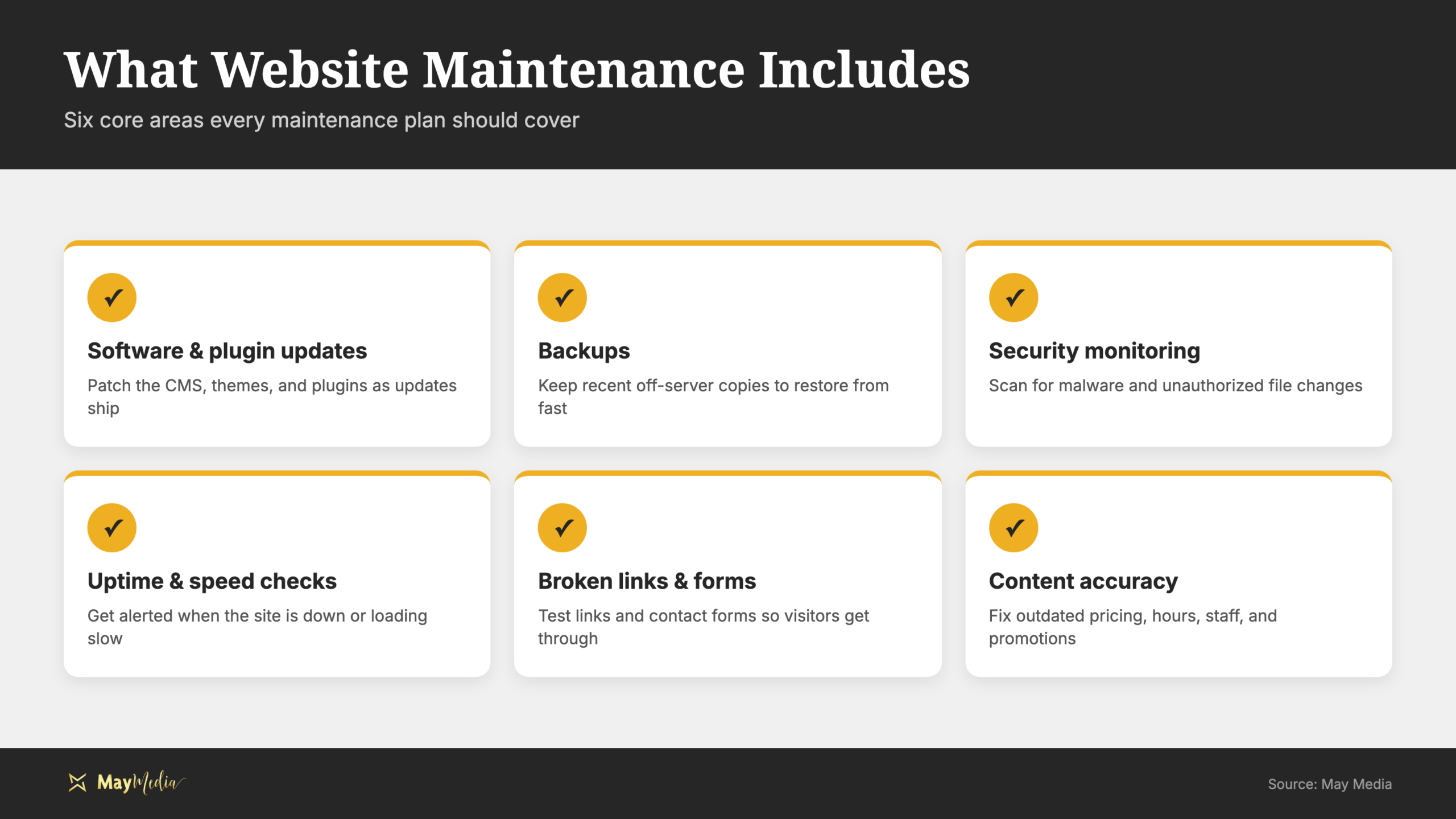
A complete website maintenance checklist covers six core areas. Each one addresses a different failure point.
- Software and plugin updates:Content management systems like WordPress release updates regularly, and every plugin or theme on the site does the same. These updates patch security vulnerabilities, fix bugs, and maintain compatibility. According to the , keeping software patched and up to date is one of the most direct ways to protect a business from cyberattacks.
- Backups:A backup is a saved copy of your entire site stored somewhere other than your server. If your site is hacked, crashes, or a bad update breaks something, a recent backup is the difference between a quick restore and starting from scratch.
- Security monitoring:Monitoring tools scan for malware, unauthorized file changes, and known vulnerabilities. Catching a problem early, before a customer sees a warning message on your site, is far less damaging than finding out after the fact.
- Uptime and speed checks:Uptime monitors alert you when the site goes offline. Speed checks flag pages that load slowly, which affects both user experience and search rankings.
- Broken links and forms:Links rot over time as pages move or get deleted. Contact forms fail when server settings change. Testing both regularly ensures visitors can actually reach you.
- Content accuracy:Outdated pricing, closed locations, former employees, or expired promotions erode trust immediately. A quick content review catches these before a customer does.
Why Does Website Maintenance Matter for Your Business?
The business case for regular website upkeep comes down to three things: security, search performance, and customer trust.
Security
An outdated site is a target. Automated bots scan the web constantly looking for sites running old software with known vulnerabilities. When they find one, they do not wait. A compromised site can be taken offline, flagged by Google as dangerous, or used to attack other sites, all of which are problems that fall on the business owner to fix. Prevention through consistent maintenance is far less costly than recovery after a breach.
Speed and SEO
Slow or broken sites rank lower in search results. Search engine optimization depends in part on technical site health. Google considers page speed, mobile responsiveness, and crawlability when ranking pages. A site full of broken links, slow load times, or pages that throw errors is not competitive in search, regardless of how good the content is.
Customer trust
A visitor who hits a broken form, gets a page-not-found error, or reads pricing that does not match what they are quoted will leave and find a competitor. You may never know they were there. Regular website upkeep eliminates the friction points that cost you customers silently, without a complaint or a refund request, just a lost sale.
How Often Should You Maintain Your Website?
Maintenance works best on a fixed schedule, not as a reaction to problems. Here is a simple cadence to follow.
Weekly tasks
- Run all available software, plugin, and theme updates.
- Confirm a backup completed successfully.
- Check uptime monitoring for any alerts or downtime events.
Monthly tasks
- Click through key pages on the site and look for anything broken or outdated.
- Submit a contact form to confirm it delivers correctly.
- Run a speed test and note any pages that are slower than the previous month.
Quarterly tasks
- Review security settings and scan for vulnerabilities.
- Audit content for accuracy: hours, pricing, team members, services offered.
- Check for outdated calls to action or expired promotional content.
Doing this on a schedule means most problems are caught before a customer encounters them. Waiting until something breaks means dealing with it urgently, at the worst possible time.
How Much Does Website Maintenance Cost?
The cost depends on whether you handle it yourself or hand it off to someone else. Both paths are legitimate, and the right one depends on your time and your tolerance for managing technical tasks.
Doing it yourself
If you manage your own site, the direct cost of maintenance is low. Most backup plugins have free tiers. Uptime monitors and security scanners have free plans that work for small sites. The real cost is time: roughly one to two hours per week across weekly, monthly, and quarterly tasks. That is manageable for some business owners and genuinely burdensome for others.
Hiring a managed maintenance plan
Website management services transfer the entire checklist to a provider. You pay a predictable monthly fee and get alerts when something requires your attention, rather than discovering a problem when a customer mentions it. The value is not just the labor saved; it is the peace of mind of knowing someone is actively watching.
How to decide which is right for you
If you have a simple site with few plugins, some comfort with your CMS, and time in your schedule, DIY maintenance is entirely reasonable. If your site is complex, your time is fully committed, or you have been putting off maintenance for months already, a managed plan removes the friction and the risk. Either way, the cost of maintenance is small and predictable compared to the cost of recovering from an outage, a hack, or a sudden drop in search visibility.
Keep Your Site Healthy with May Media
Website maintenance is not glamorous work, but it is the foundation everything else on your site depends on. A secure, fast, well-maintained site supports your SEO, your credibility, and every marketing effort you run. May Media works with small businesses across the country to keep their sites running the way they should. Whether you want to hand off the full checklist or just need help building a system, contact the May Media team and let’s make sure your site is working as hard as you are.