

By Jordan May, Director of SEO and AI Systems, May Media
Last updated September 15, 2026
The best creative marketing ideas for small businesses fall into five groups: social content that answers a searched question, email that follows up on its own, video that shows the work, AI and automation that clear the busywork, and local content built with the community around you. Below are fifteen ideas across those five groups, each with a how-to and the tool I would reach for first. None of them needs a production budget, and most of them start with a question a customer has already asked you.
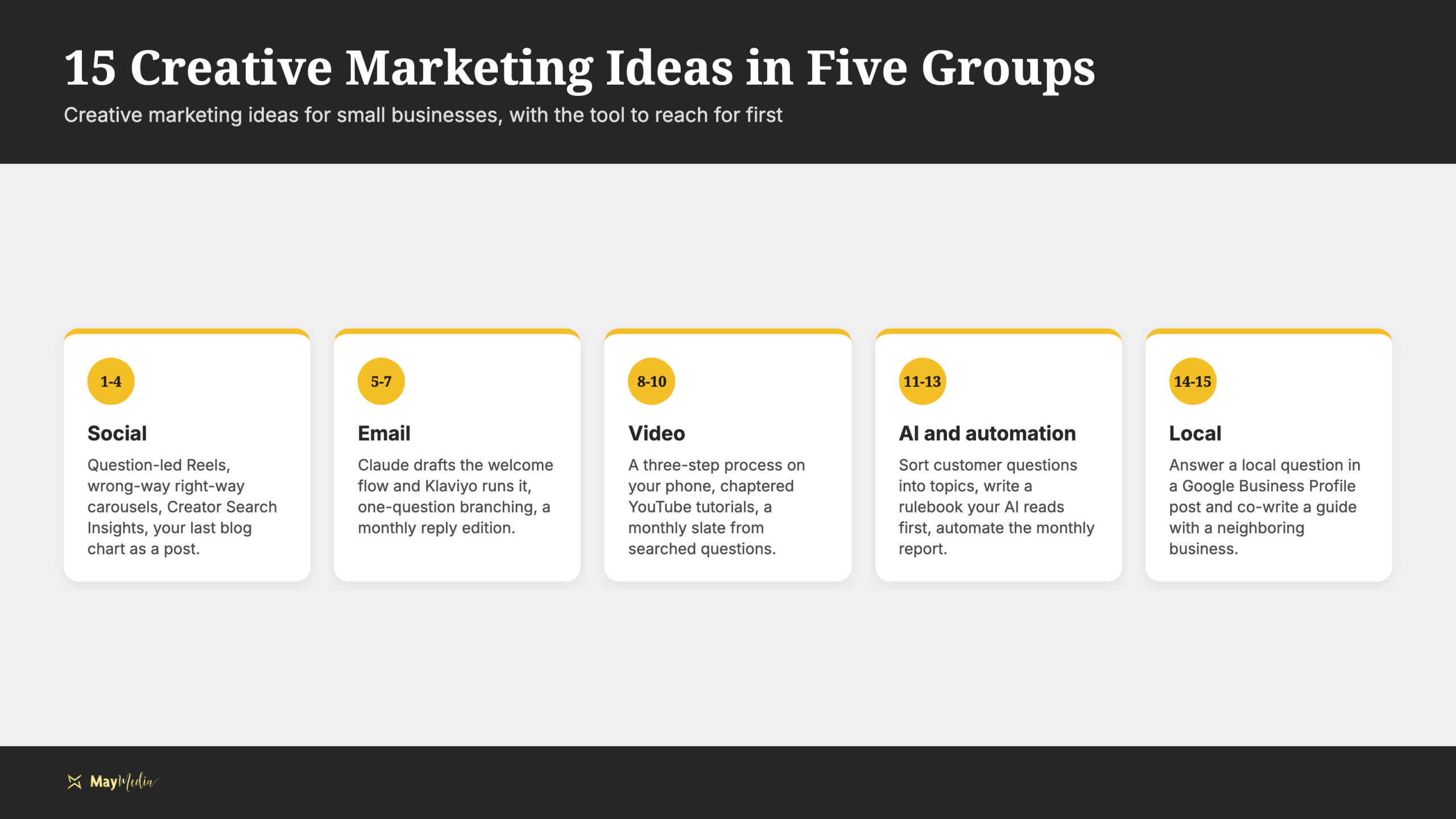
Where it fits, I’ll say what May Media does for itself, because the ideas we run on our own marketing are the ones I can vouch for. Pick two or three of these, not fifteen. Creativity here means a sharper answer or a format nobody in your market is using, not a bigger production.
What creative social media ideas answer a searched question?
1. Put the question on screen and answer it in a Reel
Take the question customers ask you most and film a thirty-second answer with that exact question as the opening text overlay. Use Instagram Reels, repeat the question word for word in the caption so in-app search can match it, and pin the post to the top of your profile. A roofer answering “how do I know if hail damaged my roof” with a hand on a shingle answers the search better than a polished brand montage.
2. Build a wrong-way, right-way carousel in Canva
Show the common mistake on slide one and the fix on slide two, with a single line of text on each. A landscaper can show mulch piled against a tree trunk, then the same tree with the ring pulled back. Canva’s carousel templates handle the sizing; keep the text large enough to read on a phone and end the last slide with the next question you want asked.
3. Mine TikTok’s Creator Search Insights for the follow-up nobody answered
TikTok’s Creator Search Insights shows what people are searching for where little content exists. Type your service, read the suggested questions, and pick the one where the top videos stop a step short. Record the missing step, and title the video the way the search was typed. Our social search optimization guide covers how each platform reads your title, audio, and caption together.
4. Turn the chart from your last blog into a post
Every blog we write gets an original, brand-colored chart or infographic built from the post’s own content, so the image explains something instead of decorating the page. That chart is a finished social post waiting to be cropped. Export it from Canva at square and vertical sizes, write a two-line caption that states the one takeaway, and link the full post in your bio or a comment.
What creative email ideas keep the conversation going?
5. Let Claude draft the welcome flow and Klaviyo run it
We use Klaviyo for email, and this is the no-code path we teach. Paste your five most common customer questions into Claude, ask for a three-email welcome sequence that answers one question per email, then build the sequence in Klaviyo’s visual flow builder with a day between sends. Subscribe with your own address and read all three on your phone before you turn it on.
6. Ask one question and branch on the answer
Send a short email with two or three buttons, such as “I’m just getting started” and “I have something that needs fixing.” In Klaviyo, set each button’s link to update a profile property on click, add a short time delay, and then use a conditional split so the flow sends the next email based on which button they pressed. One question, answered by a tap, is a survey people will complete.
7. Run a reply edition
Once a month, ask subscribers to reply with one question about your subject and answer three of them in the next issue, first names removed. Set a monitored reply-to address in Klaviyo and log the questions in a Google Sheet so unanswered ones become future topics. The replies double as research on what your list wants.
What creative video ideas show the work?
8. Film a three-step process on your phone
Pick a process with a clear start and finish, then record each step as its own clip so a weak take can be replaced without redoing the rest. Use a demo account or a sample file whenever a screen would otherwise show customer information. Add captions in CapCut so the video works with the sound off, and put the finished result in the first two seconds before showing how you got there.
9. Chapter the long tutorial on YouTube
A tutorial that runs long is fine if a viewer can jump to the part they need. Add timestamps to the description with chapter names that match how each step would be searched, such as “connecting the form” rather than “step two.” YouTube’s video chapters help page walks through the format, and Google Search may show those chapters as key moments in its results.
10. Plan a monthly video slate from searched questions
We plan a monthly video slate for May Media: vertical short-form clips plus longer YouTube tutorials, and the topic list comes from the questions people search rather than a brainstorm. Set up a Google Sheet with columns for the question, the format, and the record date, then fill it from Search Console queries and Semrush. One question becomes one short video; a cluster of related questions becomes a tutorial. Our video production team builds slates this way for clients too.
How can AI and automation make your marketing more creative?
11. Have Claude sort your customer questions into topics
Export the questions sitting in your inbox and contact forms, strip out names, emails, and phone numbers, paste them into Claude, and ask it to group them by topic while keeping the original wording beside each group. Each group is a content topic, and the customer’s own phrasing becomes your titles. Check the groups yourself and keep the questions you can answer from experience.
12. Write a rulebook your AI reads before it drafts anything
Our Claude Code agents read a written rulebook before every task: a markdown wiki of our writing standards, tool notes, and lessons learned. You can run a smaller version in a single Google Doc that lists your voice, your services, banned words, and your one call to action, then paste it at the top of every prompt or load it into a Claude project. The output stops sounding like a template and starts sounding like you.
13. Automate the monthly report and spend the hours on ideas
We pull Google Search Console and GA4 data automatically into reporting dashboards, and we build those dashboards for clients inside the retainer so nobody buys a stack of separate reporting platforms. Looker Studio connects to both sources and can send itself on a schedule. The creative payoff is the time that copying numbers used to take, which now goes to the ideas above. If you would rather have the dashboard built for you, schedule a discovery call and we will map it on the call.
What local and community ideas work for a small business?
14. Answer a local question in a Google Business Profile post
Write a Google Business Profile update that answers one question your local customers ask, such as which neighborhoods you serve or what a first visit looks like, with one photo of your entrance or workspace. Post one a week and keep the hours and links current. Those posts sit on your profile, where local searchers see them before they reach your website.
15. Co-write a guide with a neighboring business
Team up with a business your customers also use and co-write one guide in Google Docs, such as a florist and a wedding photographer writing a seasonal planning guide for your area. Each of you publishes it on your own site, links to the other, and shares the same Canva PDF with your email lists. You reach a second audience that already trusts the person introducing you.
Which creative digital marketing ideas should you try first?
Start with the material you already have. If you answer the same question by email every week, that question is idea number one and idea number five. If the answer depends on seeing a process, start with the phone video. Match the format to the explanation, then check four things before you publish.
- One audience: Name the person and the question the piece serves.
- One action: Decide whether the next step is a reply, a signup, or a call.
- The destination: Test the page, form, or email before you send anyone to it.
- The record: Write down the publish date and what a good result would look like.
Give each idea a month of distribution where your audience already interacts with you before you decide whether it worked. Small samples swing, so look for replies and inquiries rather than views alone.
Plan Your Next Idea With May Media
Creative digital marketing ideas work when they fit the knowledge you already have and the follow-through you can sustain. Start with one question, make something worth keeping, and make the next step obvious. Keep the ideas that earn replies and improve the ones that leave people confused.
If you want to learn to run these yourself, that is what we teach inside May Media Stars, our member program with video tutorials, planning templates, and a community of small business owners. If you would rather have a plan built for your business, schedule a discovery call with May Media and bring the questions your customers ask most.